
Capture the moment.
Record audio in your browser, or bring in existing audio files to build your session.

YOUR SOUND. YOUR SPACE.
A creative workspace for the music only you can make.
Record audio. Play instruments. Shape your mix. Right in your browser.
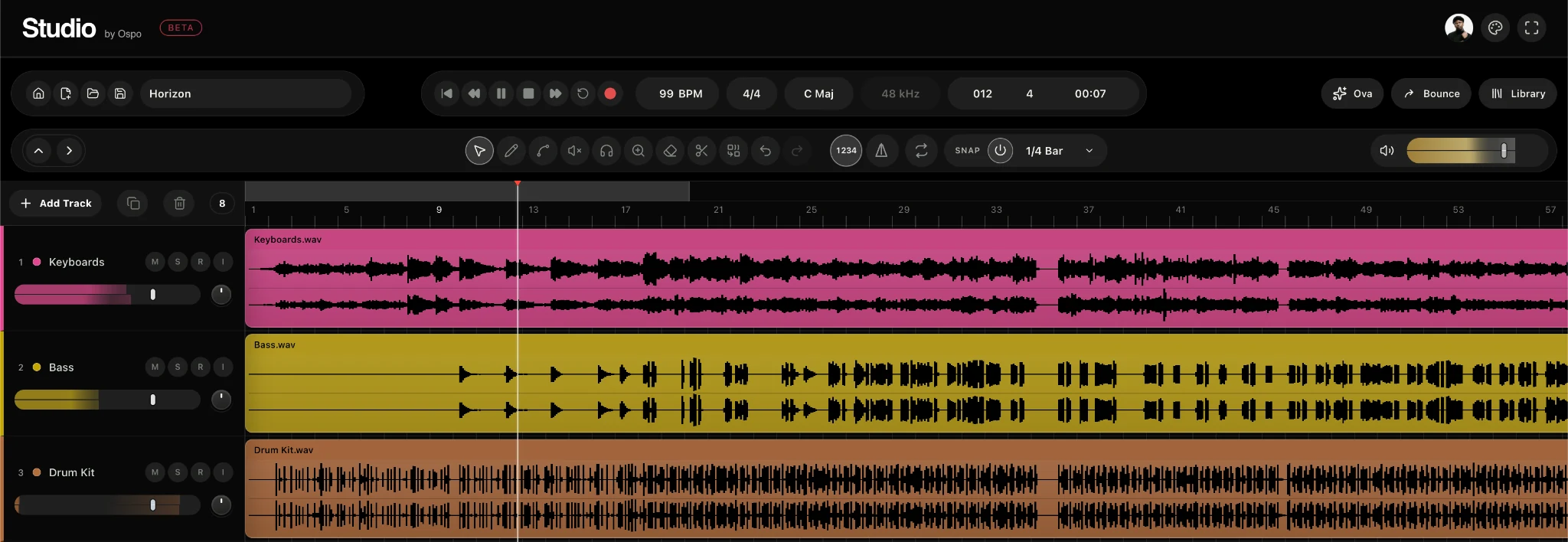
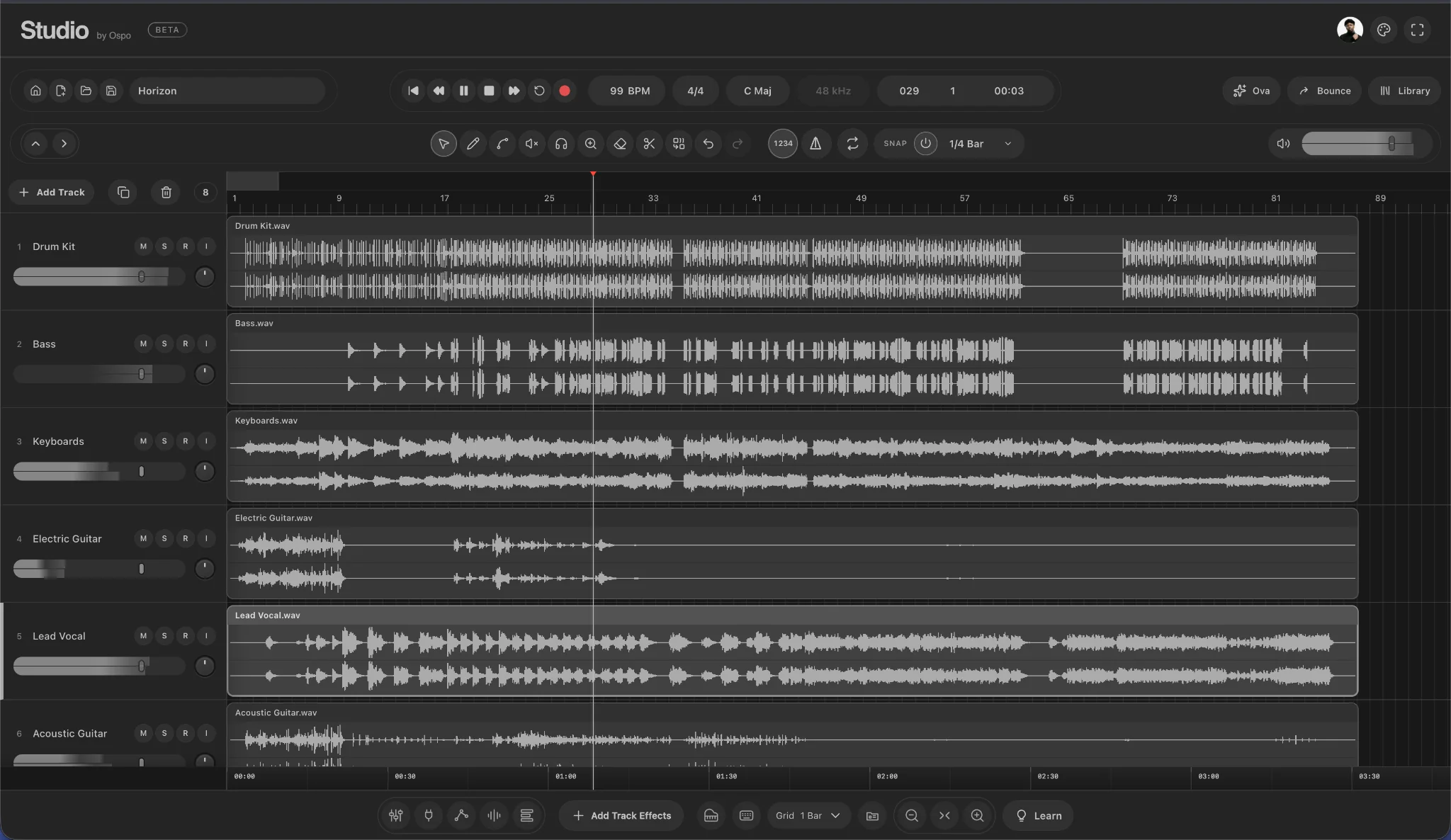
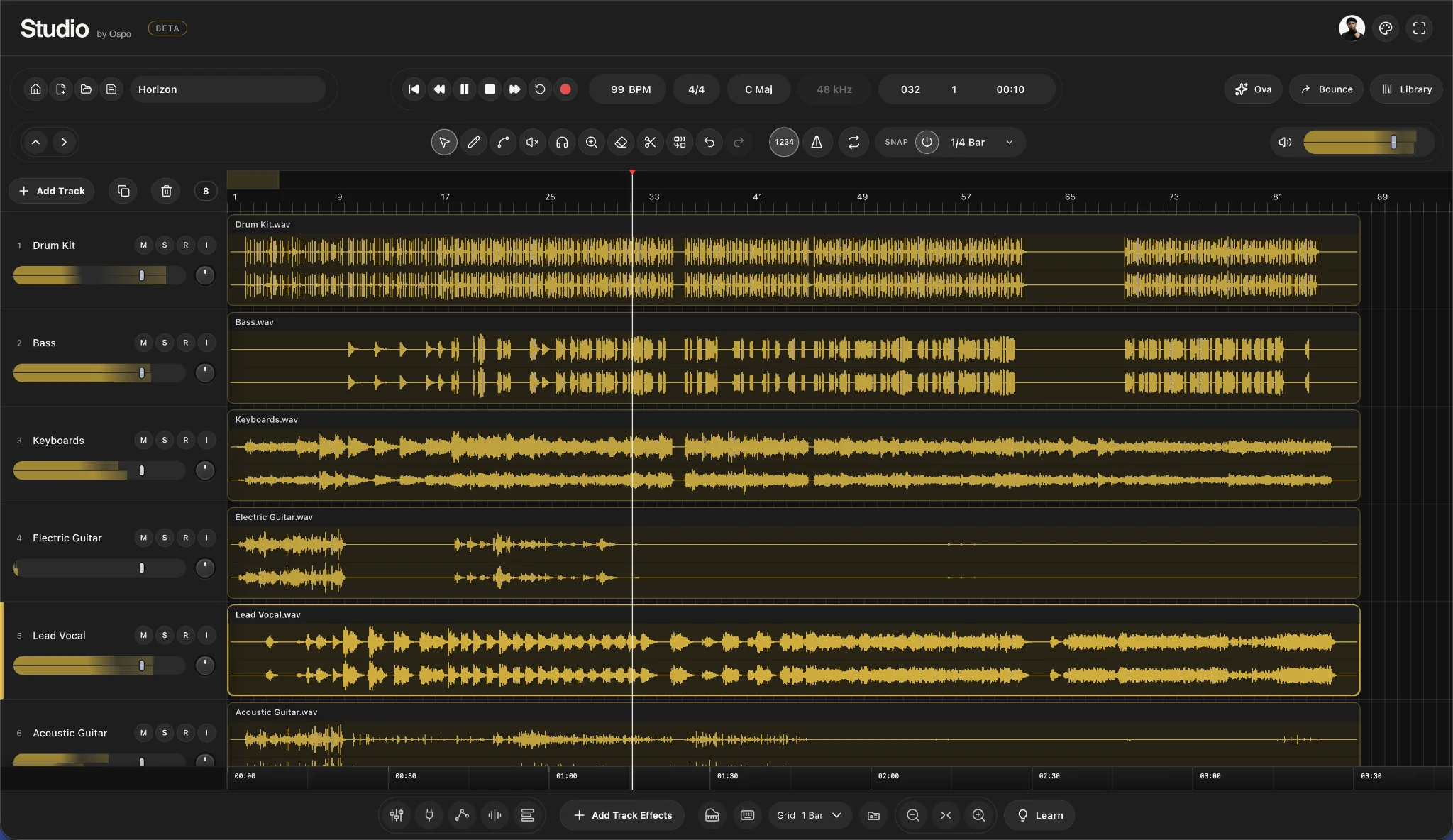
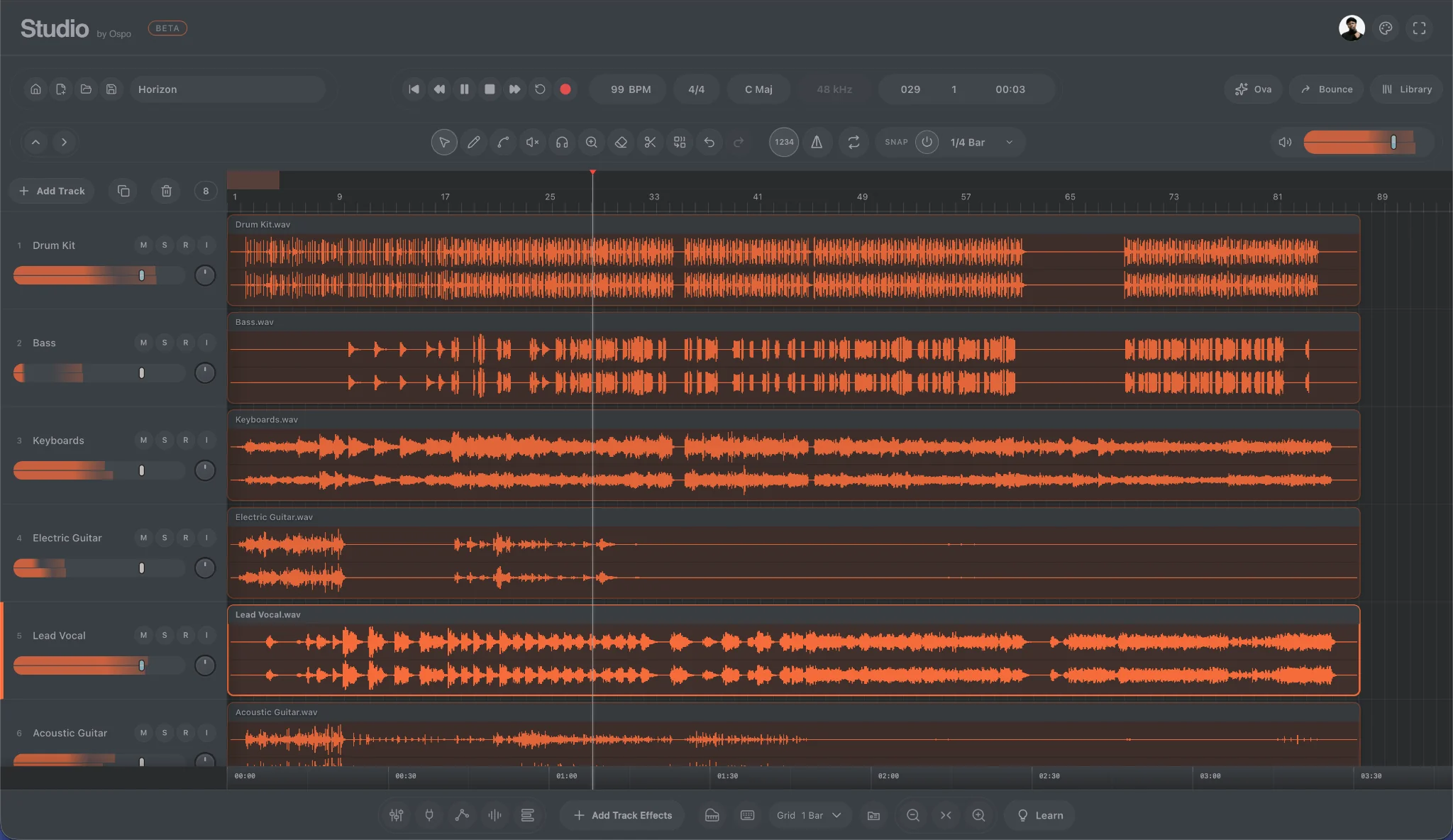
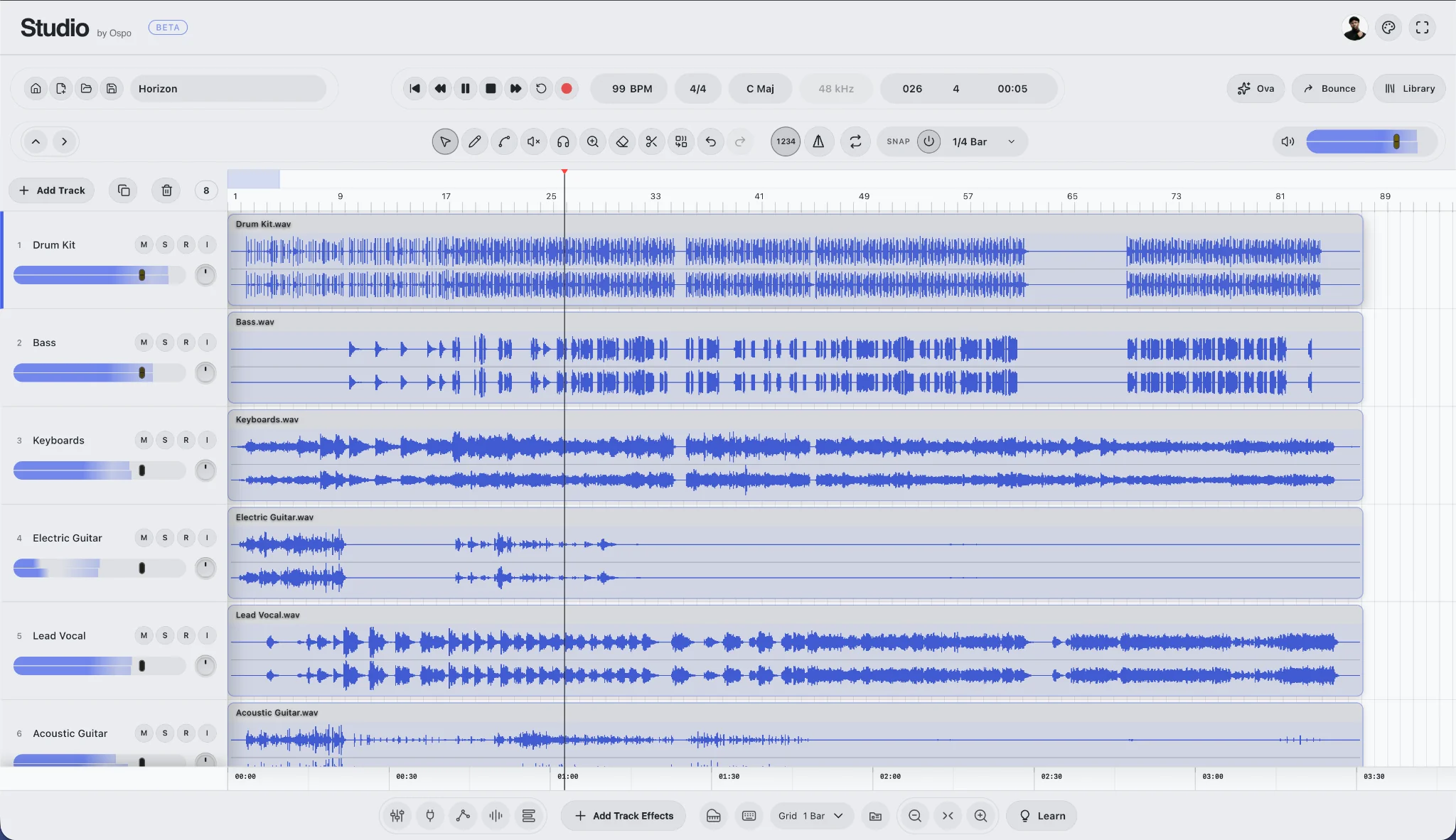
FIVE THEMES. YOUR CREATIVE SPACE.
Explore the updated workspace. Five distinct themes, a spacious timeline and the tools you need, right where you need them.
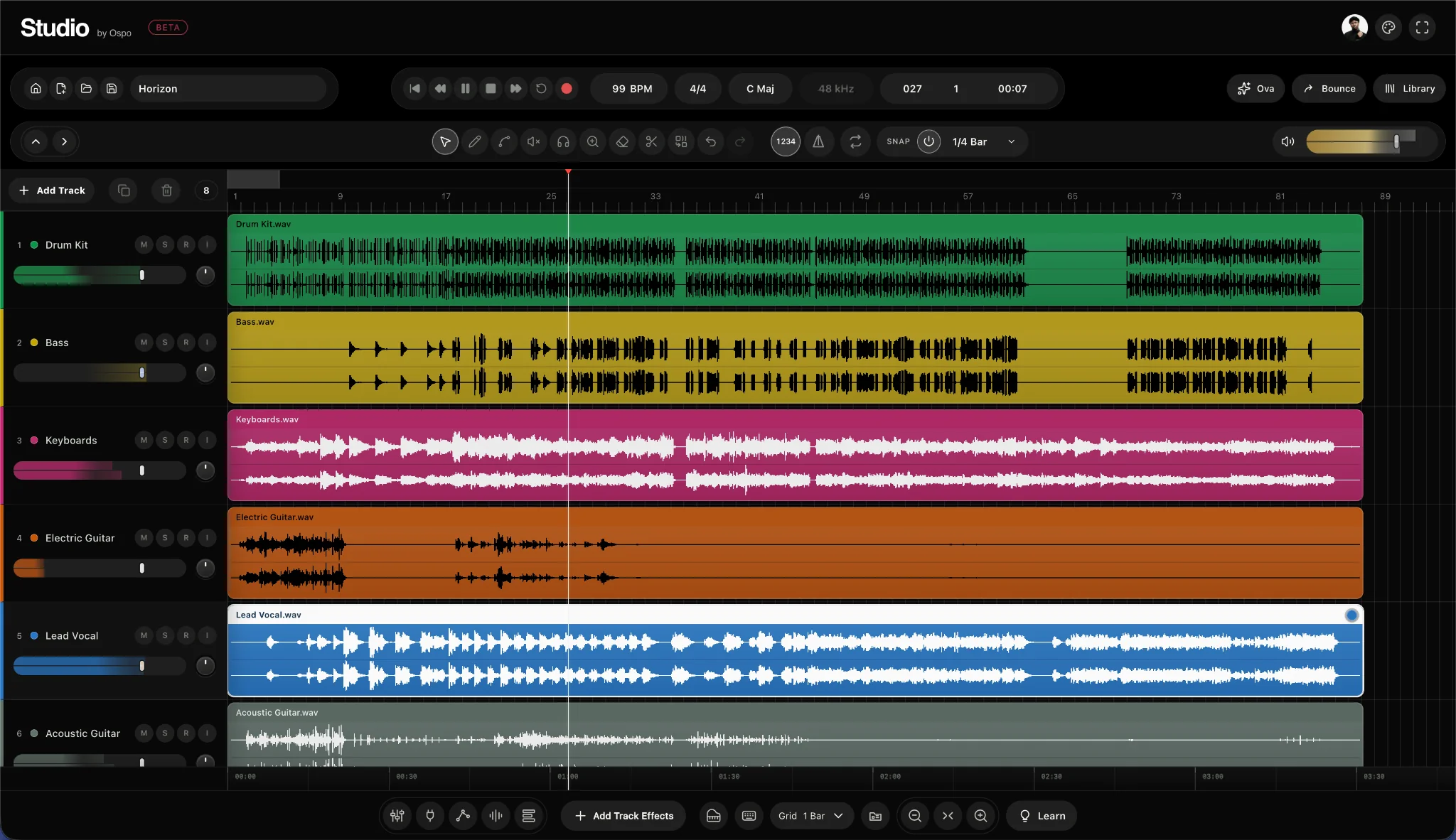
Original character. Every track in colour.
A CLOSER LOOK
See the whole session. Get close to the details. A spacious timeline and hands-on track controls keep your sound in focus.
Level, mute and solo. Within reach.
Your instruments. One clear timeline.
GET TO KNOW STUDIO
Import audio, record a take and shape your arrangement with regions, loops and timeline editing.
Start creatingYour tracks, transport and tools. One connected workspace.
KEEP THE IDEA MOVING
Record audio in your browser, or bring in existing audio files to build your session.
Move and trim regions, work with loops, and use the timeline to bring the right parts together.
Balance your tracks and explore EQ, compression, delay, reverb and other track effects.
Choose an instrument in Browser. Play the floating keyboard with your mouse or computer keys, and record your performance.
Open Library and Bounce beside your arrangement. Your tracks stay in view while you organise your session or prepare an export.
Bring up Ova for guided Studio commands, move it to your preferred spot, then collapse it when you need more room.
BEYOND THE SESSION
Download your mix as a WAV, export stems for the next stage, and keep a project backup. When you are ready, prepare your mix for an existing recording in your Ospo catalog.
Create your next sessionSelect Open Studio and sign in with your Ospo ID. Once your required profile details are complete, you will enter your Studio workspace.
Use a browser that supports audio recording and allow microphone access when prompted. Headphones help keep playback out of your recording.
A desktop or laptop gives you more room for the timeline and mixing controls. You can explore this page on any screen.
Save your session and export a portable project backup. Download your mix or stems when you need audio files outside Studio.